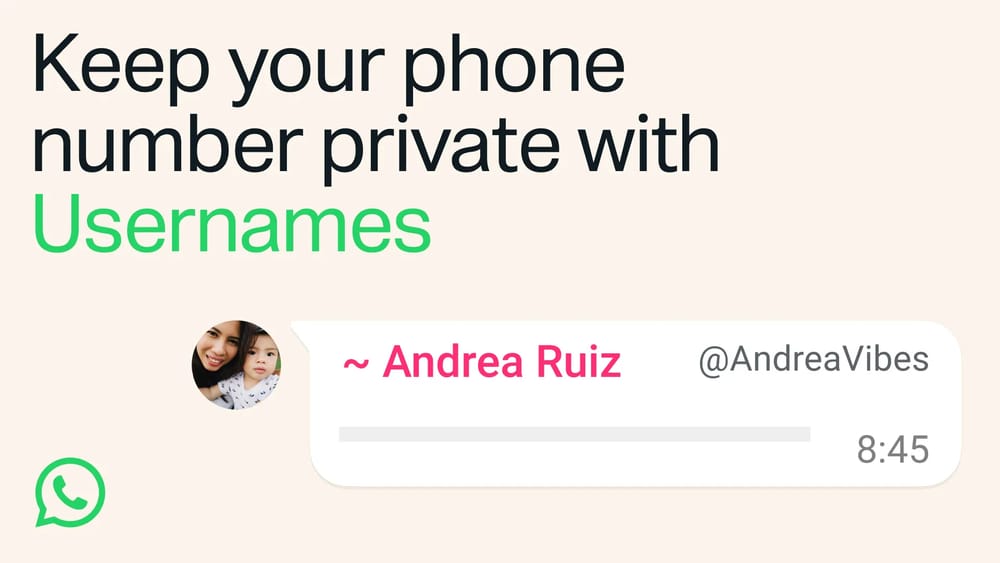
So you have been invited to a WhatsApp group and want to send a message to someone but you don’t want to start a private conversation with them? The ‘@’ symbol is the only form factor you need:
The @ symbol
This is the most important form factor you need when communicating with others generally on social media. But in the context of simplicity, we will be primarily referring to using WhatsApp messenger. The administrator of a WhatsApp group has the rights to make wholesale changes that affect all members of the group. Sometimes you might be added to a WhatsApp group and you’re unable to send messages. If this occurs then this is a deliberate choice of the administrator who may use the group to only send essential updates.
Tagging others in a group
If a WhatsApp group is a hive of activity then it’s possible many members will have turned off notifications and only allowed to be contacted in specific ways. In this instance, the ‘@’ symbol becomes an essential tool to reach other members. It should not be overused though to message an individual every single time because that is not what it is designed for.
Good Etiquette
Practice communicating like this in WhatsApp groups
Hello @name I saw this and I wanted to remind you that we have this event to attend tonight. Are you still up for it or do you want to cancel the plans and do it another time?
Yes, I am coming.
Great! I will pick you up as usual. See you soon.
Bad Etiquette
Please reconsider from talking like this in WhatsApp groups
Hello @name
How are you @name? I want to check if you still want to do tonight and if I need to pick you up. We can cancel and rearrange our plans another time if you want.
Yes, it is still good for me.
Okay, thanks @name. I’ll see you later tonight.
If you want to have a longer conversation with somebody then you should initiate a conversation and allow them to respond in their own time. When having a conversation with an individual in a WhatsApp group, be mindful that others in the group can also participate in what you’re talking about. If a conversation needs to remain confidential, then you should initiate a private conversation.